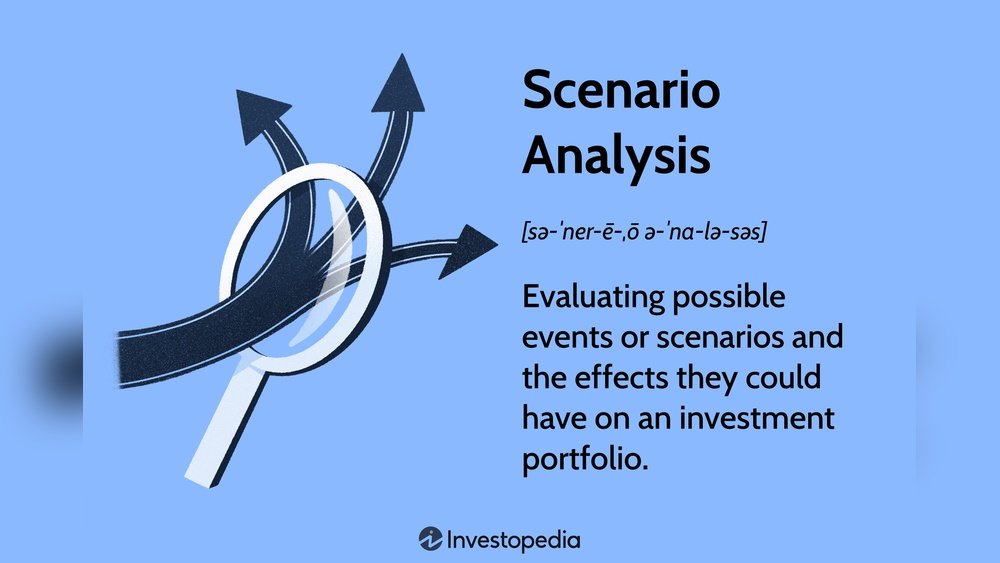

Running scenario analysis helps e-commerce businesses plan better. It shows how different situations can affect product sales and profits. This guide explains how to do scenario analysis step by step. It uses simple words and clear ideas. You will learn why it is important and how to use it.
What Is Scenario Analysis?
Scenario analysis means looking at many “what if” situations. You ask questions like, “What if sales go up?” or “What if shipping costs rise?” Then, you check how these changes affect your business. It helps to prepare for good times and bad times.
For e-commerce, this means looking at product sales, costs, and profits. You create different cases. Each case shows a possible future. Then, you compare the cases to see the best and worst results.
Why Use Scenario Analysis for E-Commerce Products?
- Plan for risks: You see what can go wrong before it happens.
- Make better decisions: You choose the best way to sell your products.
- Understand costs: You learn how changes in price or shipping affect profits.
- Prepare for changes: You get ready if market or customer habits change.
In short, scenario analysis helps you stay ready and smart in business.
Steps to Run Scenario Analysis for E-Commerce Products
Here are the main steps to do scenario analysis. Follow them carefully to get good results.
1. Define Your Goal
First, decide what you want to learn. Is it about sales growth? Cost changes? Or shipping delays? Clear goals make the analysis easier and useful.
2. Pick The Product
Choose the product or products you want to study. It can be a new product or one you sell a lot. Focus helps to keep the work simple.
3. Identify Key Factors
Think about what can change your product’s success. Some examples:
- Price changes
- Advertising budget
- Customer demand
- Shipping costs
- Competition
- Seasonal trends
These factors will be the “variables” in your scenarios.
4. Gather Data
Find numbers that show how your product is doing now. Look at past sales, costs, and customer info. Use your website reports or sales records.
Example data points:
- Current price of the product
- Average monthly sales
- Cost to buy or make the product
- Shipping fees
- Marketing spend
5. Create Different Scenarios
Make at least three scenarios. These show different futures.
| Scenario | Description | Example |
|---|---|---|
| Best Case | Everything goes well. Sales rise, costs stay low. | Price up 10%, sales up 20% |
| Worst Case | Problems happen. Sales drop, costs rise. | Price down 5%, shipping cost up 15% |
| Most Likely Case | Normal situation. Small changes. | Price same, sales steady |
You can add more if needed, like a “Seasonal” or “New Competitor” scenario.
6. Calculate Results For Each Scenario
Use your data and changes from each scenario to find new outcomes.
Focus on these numbers:
- Total sales revenue
- Total costs
- Profit or loss
Example: If price rises 10%, multiply current price by 1.1.
Then, calculate sales with new price and expected demand.
7. Compare The Scenarios
Put the results side by side. See which scenario gives the best or worst profit.
| Scenario | Sales Revenue | Costs | Profit |
|---|---|---|---|
| Best Case | $12,000 | $7,000 | $5,000 |
| Most Likely | $10,000 | $6,500 | $3,500 |
| Worst Case | $8,000 | $7,500 | $500 |
This comparison shows how much profit can change with different factors.
8. Use The Results To Make Decisions
Use scenario results to improve your plans. For example:
- If worst case profit is too low, cut costs or change price.
- If best case shows big profit, invest more in ads.
- Prepare backup plans for risks found.
Tips for Running Scenario Analysis
- Keep it simple: Use easy numbers and clear steps.
- Use spreadsheets: Tools like Excel help organize data.
- Check your data: Make sure your info is correct.
- Think realistically: Don’t make scenarios too extreme.
- Update often: Run analysis regularly to stay current.
Example of Scenario Analysis for an E-Commerce Product
Let’s say you sell a popular backpack online. Current price is $50. You sell 200 backpacks a month. Your cost per backpack is $30. Shipping cost is $5 per backpack. Marketing costs $1,000 monthly.
You want to see how price changes and shipping cost affect profit.
Step 1: Define Goal
Check profit if price or shipping cost changes.
Step 2: Pick Product
Backpack chosen.
Step 3: Identify Factors
- Product price
- Shipping cost
- Sales volume
Step 4: Gather Data
- Price = $50
- Sales volume = 200
- Cost = $30
- Shipping = $5
- Marketing = $1,000
Step 5: Create Scenarios
| Scenario | Price | Shipping Cost | Sales Volume |
|---|---|---|---|
| Best Case | $55 | $5 | 220 |
| Most Likely | $50 | $5 | 200 |
| Worst Case | $50 | $6 | 180 |
Step 6: Calculate Results
Calculate profit with formula:
Profit = (Price × Sales) – (Cost × Sales) – (Shipping × Sales) – Marketing
| Scenario | Profit Calculation | Profit |
|---|---|---|
| Best Case | (55×220) – (30×220) – (5×220) – 1000 | $3,300 |
| Most Likely | (50×200) – (30×200) – (5×200) – 1000 | $2,000 |
| Worst Case | (50×180) – (30×180) – (6×180) – 1000 | $720 |
Step 7: Compare And Decide
Profit is highest in best case ($3,300). Worst case profit is low ($720). You may want to lower shipping cost or increase price carefully. Watch sales volume closely.
Frequently Asked Questions
What Is Scenario Analysis In E-commerce Products?
Scenario analysis studies different possible future outcomes for your e-commerce products. It helps predict sales, costs, and risks. This process supports smarter decision-making.
How Do I Create Scenarios For My Online Store?
Start by identifying key factors like price changes or customer demand. Then, build best-case, worst-case, and average scenarios. This shows how different changes affect your business.
Why Is Scenario Analysis Important For E-commerce Success?
It helps you prepare for unexpected market shifts and customer behaviors. You can avoid losses by planning ahead. It also improves budgeting and strategy.
What Tools Can Help Run Scenario Analysis Easily?
Spreadsheet programs like Excel or Google Sheets are popular choices. Specialized software like Tableau or Power BI offers deeper insights. Choose tools based on your needs and skills.
How Often Should Scenario Analysis Be Updated For Products?
Update it regularly, at least every quarter or when big changes occur. Markets and customer trends evolve fast. Regular updates keep your plans relevant.
Can Scenario Analysis Improve Product Pricing Strategies?
Yes, it shows how different prices impact sales and profits. Testing scenarios helps find the best price points. This leads to better pricing decisions and higher revenue.
Conclusion
Scenario analysis helps e-commerce sellers plan for the future. It shows how changes in price, costs, or sales affect profits. By using simple steps, you can test many situations. This helps you make smart choices and avoid surprises.
Remember to keep data updated and review scenarios often. This will keep your business ready for changes. Start small with one product. Then, try bigger analysis as you learn.
Scenario analysis is a useful tool to keep your e-commerce store running smoothly.

About the Author
Oliver K.G.
Oliver K.G. has 8+ years in pricing strategy and has helped 200+ Amazon FBA sellers, dropshippers, and small business owners optimise their profit margins. He built BizMargin to make gross margin and pricing calculations instant and free. He writes on pricing strategy, gross margin optimisation, and profitability for e-commerce and retail businesses.